About This Template
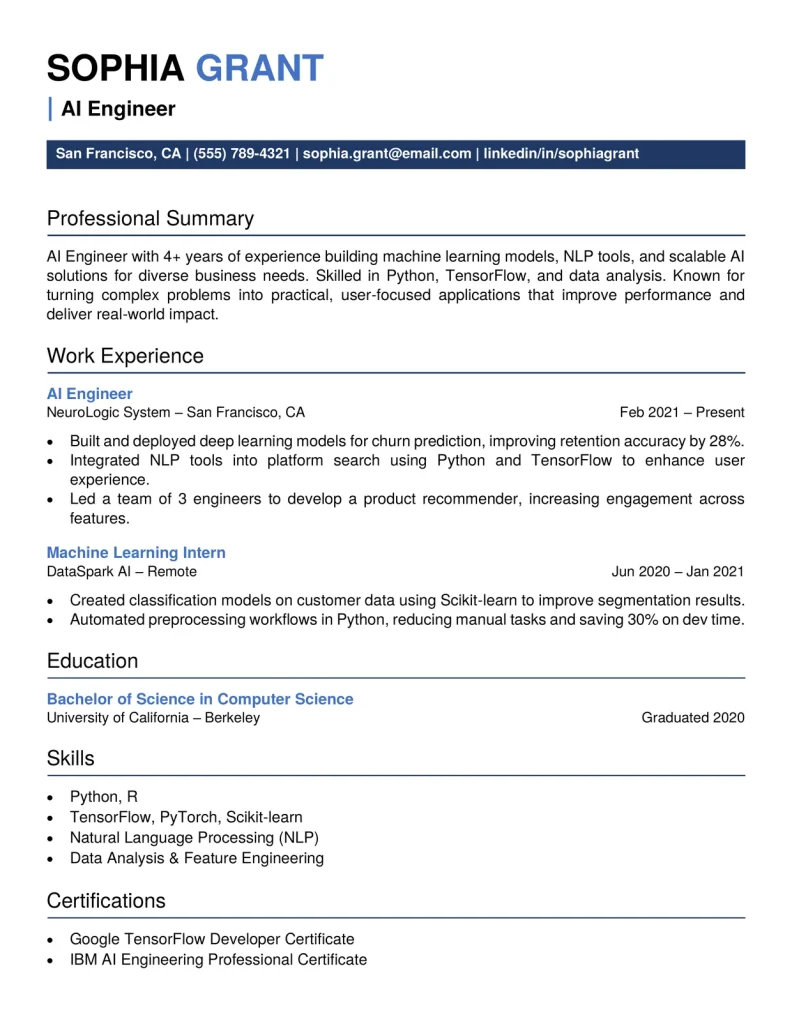
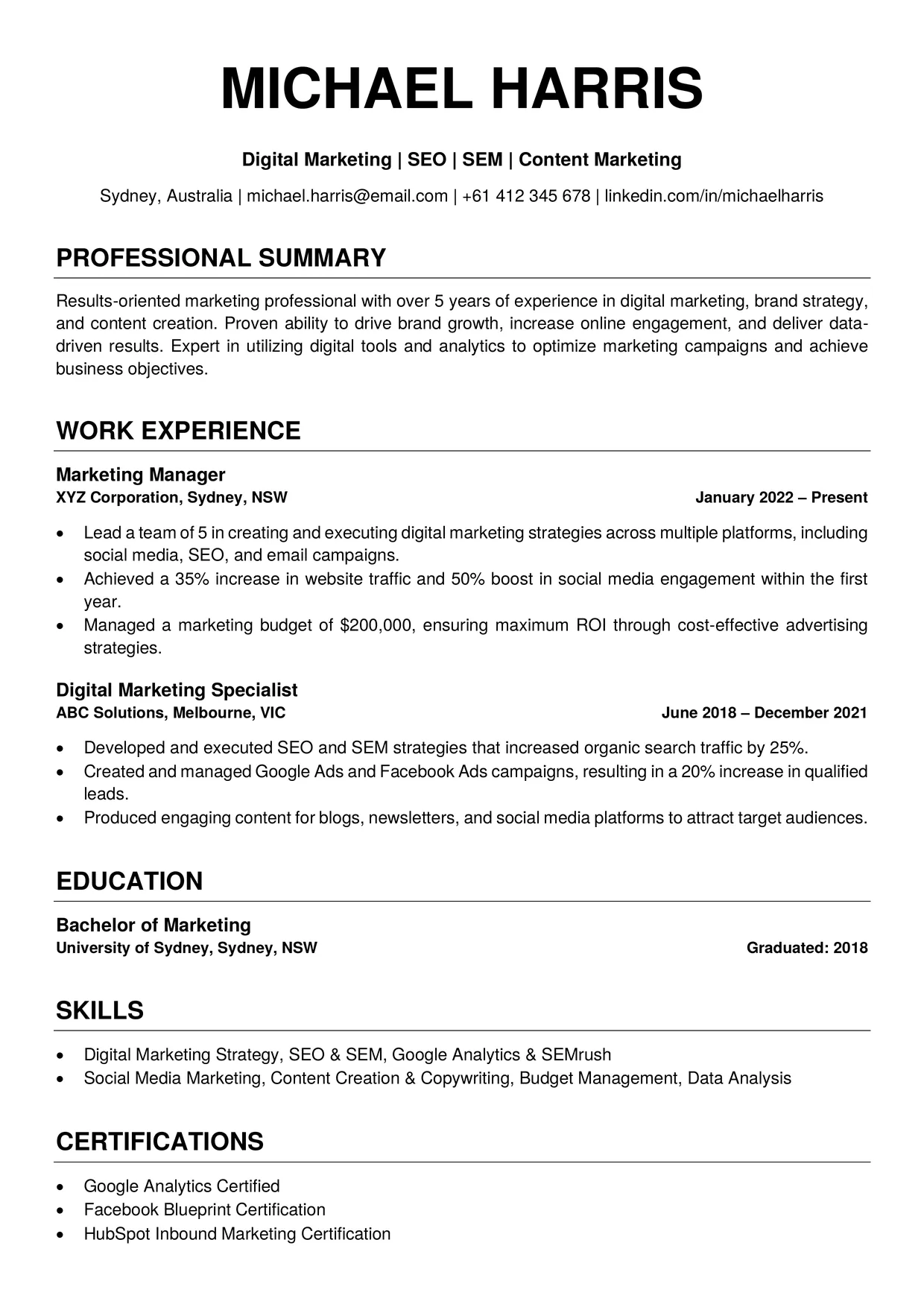
The ATS-Friendly Resume Template is a free, single-column resume in Word, built from plain text so applicant tracking systems can read it in order.
The name sits centered in bold capitals, followed by one line of keywords and one line of contact details. Thin rules under each capital heading mark the sections.
It suits anyone who applies through online portals and wants the file read as written.
Why Choose an ATS-Friendly Resume
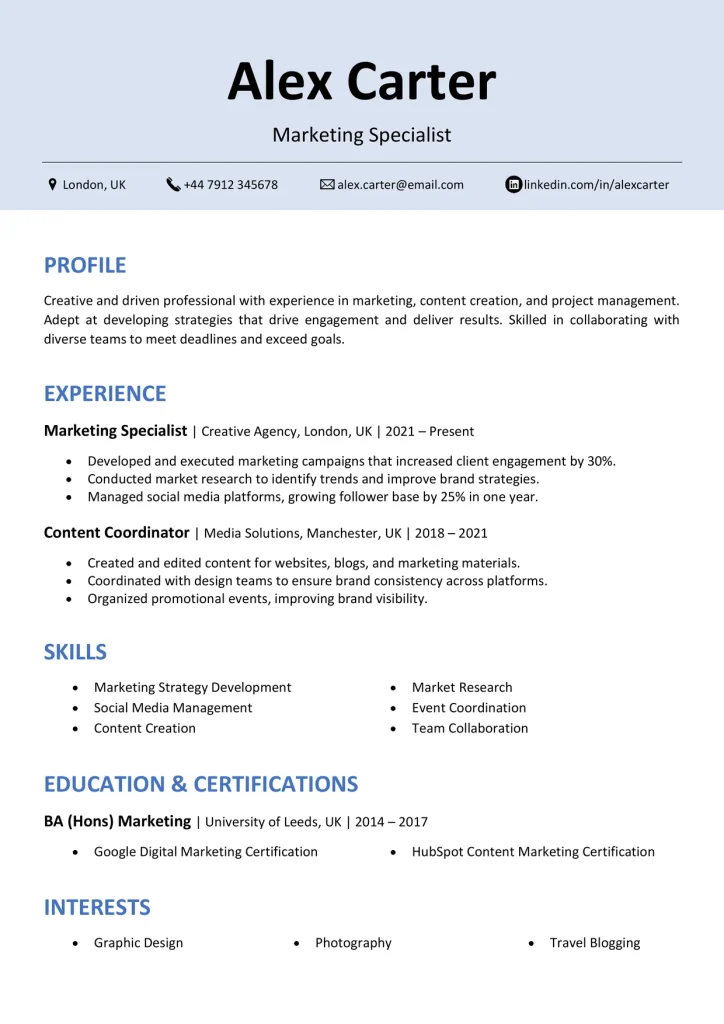
Many employers run applications through software before a person opens them. Columns, icons, text boxes and photos can scramble that reading, so a plain page is the safer choice. That is why an ATS resume format keeps everything in one straight line down the page.
It reads easily for people too, moving from summary to experience to education.
Who Should Use This ATS Resume Template
Graduates, career changers and experienced applicants can all use it, because every section runs the full width of the page. Each role shows the job title in bold, with the company and place on the left and the dates on the right. Skills sit in two compact lines, and Certifications close the page as a short bullet list.
Because nothing is decorative, it works as an ATS friendly CV template for online applications and for employers who prefer a plain, factual page. It is also an ATS template Word file for anyone who needs a single column resume that holds up in any system. For other layouts, browse our ATS-friendly templates.
Sample Profile Lines
Swap in your own details. The ATS-Friendly Resume Template opens with a short Professional Summary, so two sentences are enough.
- Entry-level: [Job title] graduate with a [degree] and [number] internships, ready to apply [skill] in a [type of team].
- Experienced: [Job title] with [number]+ years in [field], skilled at [strength] and [result].
- Senior: Senior [job title] who leads [number] people and manages [area], with a record of [outcome].
Watch: How to Customize This Template
This 6-minute tutorial builds the ATS-Friendly Resume in Word step by step, from personal details through to certifications.