Free Word Resume Templates
Word resume and CV templates, ATS-friendly and fully editable. Free download, no sign-up, no watermark.
500K+ downloads · .docx Format
Featured Templates
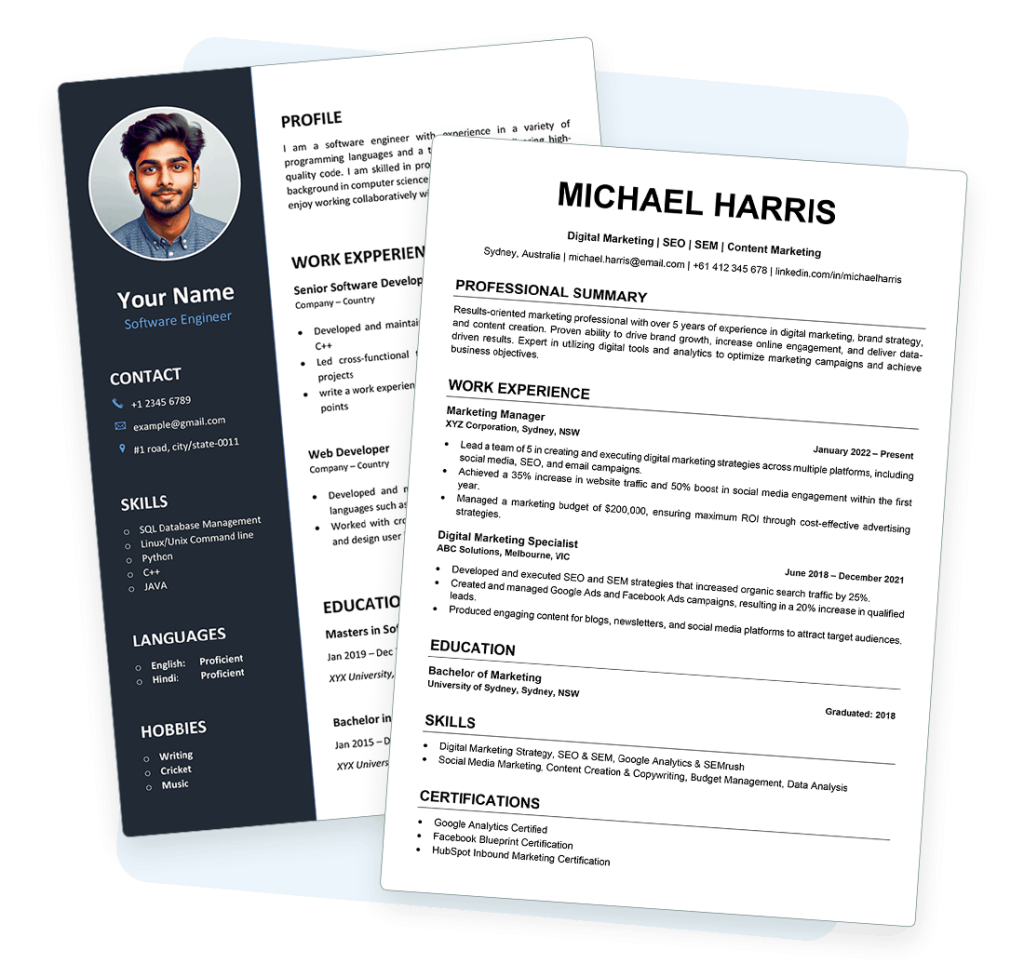
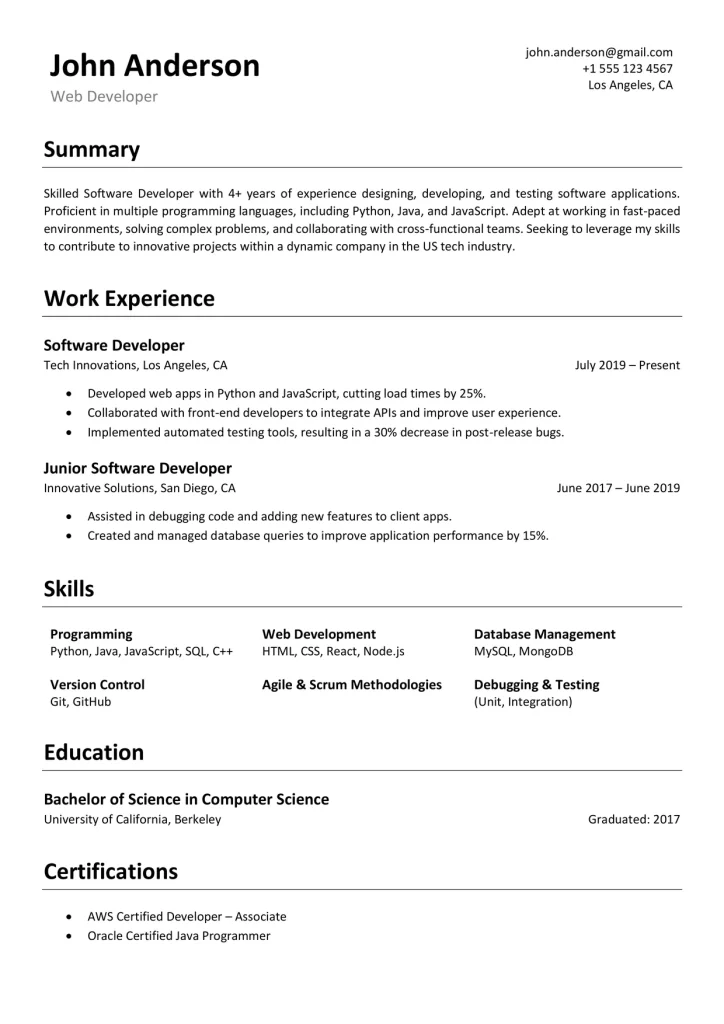
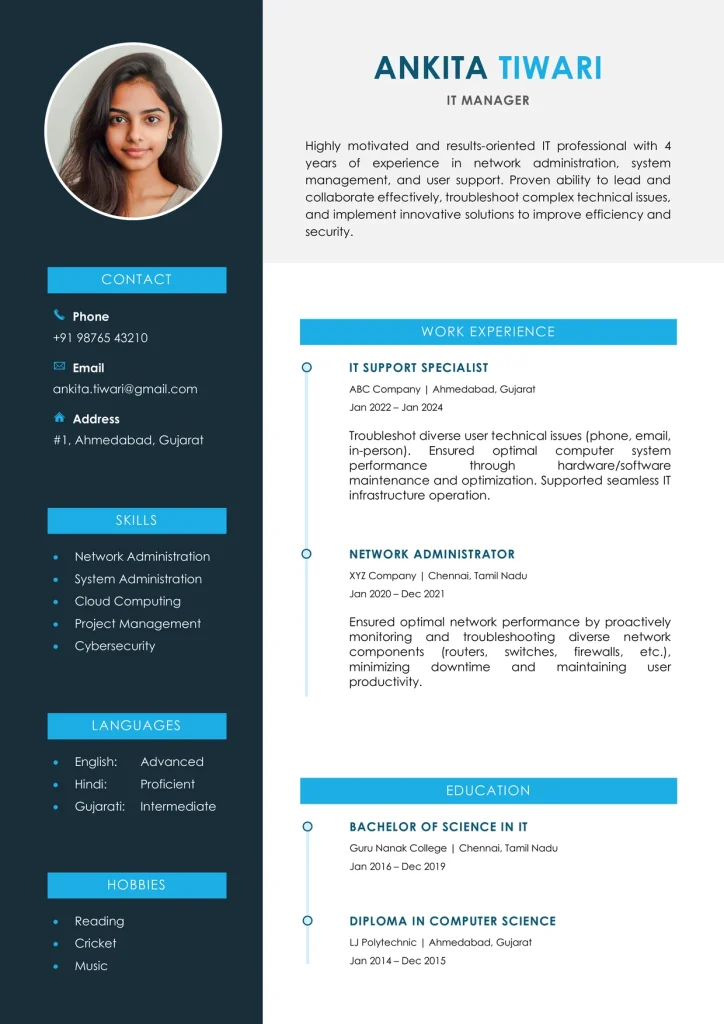
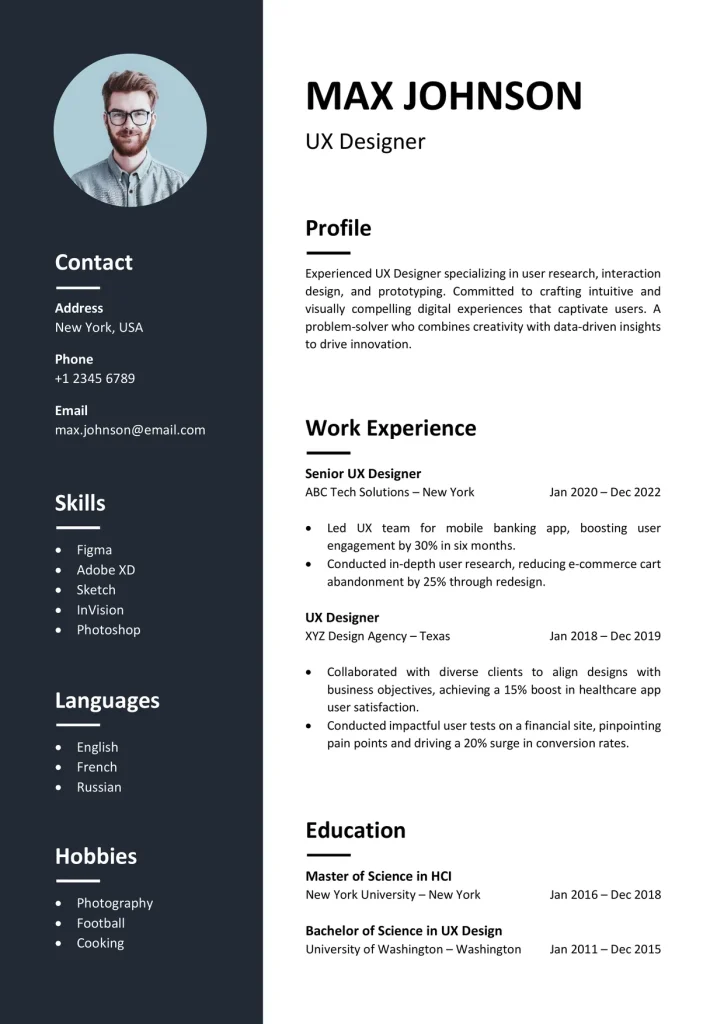
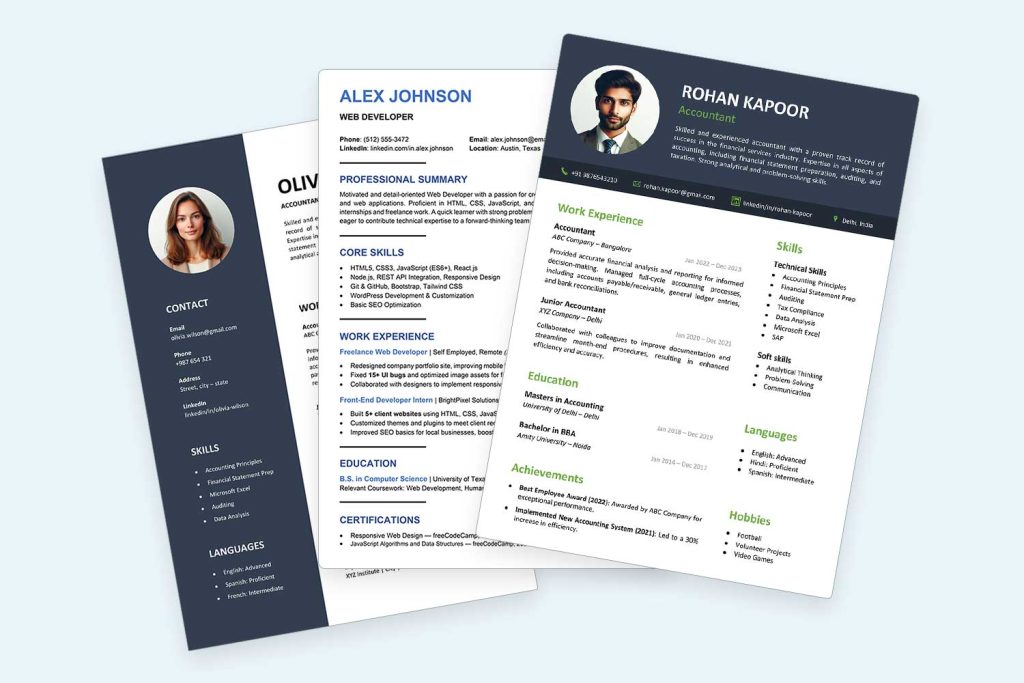
A quick look at a few of our free Word resume and CV templates — one from each style.
Browse Templates by Style
Find the style that fits your job search.
How It Works
Get a ready-to-use Word resume or CV in three simple steps.
1
Choose a Template
Browse ATS-friendly, modern, or professional styles and pick the one that fits your industry.
2
Download for Free
Get the instant Word (.docx) file. No email, no watermark, no sign-up needed.
3
Edit & Use
Customize your resume or CV with your details, export to PDF, and start applying.
Why Word Resume Templates?
Built in Microsoft Word (.docx), one of the formats ATS systems parse most reliably.
ATS Compatible
Parses cleanly in most ATS.
Easy to Edit
Tailor it for each job. No design skills needed.
Fully Customizable
Fonts, colors, layout — all yours.
Open Anywhere
Works in Word, WPS, and Google Docs.
Watch Our Resume Tutorials on YouTube
Step-by-step guides on writing, formatting, and tailoring your resume — all free.
80+ videos
7M+ views
20K+ subscribers
What People Are Saying
Thank you, I got an interview after using this ATS resume template.
After 50 mins of searching Google and YouTube for a Word resume template, I finally found one here. Thank you.
Only page where really good templates are free
Frequently Asked Questions
Do I need to sign up to download a template?
No. Every template is a free, direct Word (.docx) download — no email, no account, no watermark. Just click download and it’s yours instantly.
Should I submit my resume as PDF or Word?
Follow the job posting’s instructions first. If none are given, send a .docx for online applications, or a PDF when you are emailing a person, since it locks your formatting.
Are these templates ATS-friendly?
Our ATS templates use clean single-column layouts built for applicant tracking systems. Modern and Professional templates are designed for readability and may not suit every ATS.
Are two-column resume templates ATS-safe?
Not reliably. Two-column layouts are the most common cause of ATS parsing failures. For the safest ATS results, use a single-column template. Avoid tables and text boxes for positioning, and keep contact info in the body — not in headers or footers.
Can I use these templates in Google Docs?
Yes. Upload the .docx to Google Drive and open with Google Docs. Simple single-column templates import cleanly. Complex multi-column layouts may shift slightly on import.
Can I edit these on mobile or tablet?
Basic editing works using the Word or WPS mobile app. For full control over layout and formatting, use a desktop or laptop.
Should I include a photo on my resume?
It depends on where you’re applying. Skip it for US, UK, and Canada applications — photos invite bias and ATS systems can’t read them. Photos are customary in parts of Europe and commonly expected on resumes in South Asia and the Middle East.
How do I write an entry-level resume with no experience?
Lead with education, skills, relevant coursework, projects, and any internships or volunteer work. Choose a simple single-column template — a shorter resume looks cleaner and more intentional in a minimal layout.
What's the difference between a resume and a CV?
A resume is a short, tailored summary (usually 1–2 pages) common in the US and Canada. A CV is longer and more detailed, common in academia and in the UK, Europe, and South Asia. Our Word templates work for either — just add or remove sections to fit.