
Modern Resume Templates
Modern resume and CV templates in Word (.docx) with color, icons, and sidebar layouts. Free to download and easy to edit. No sign-up, no watermark.
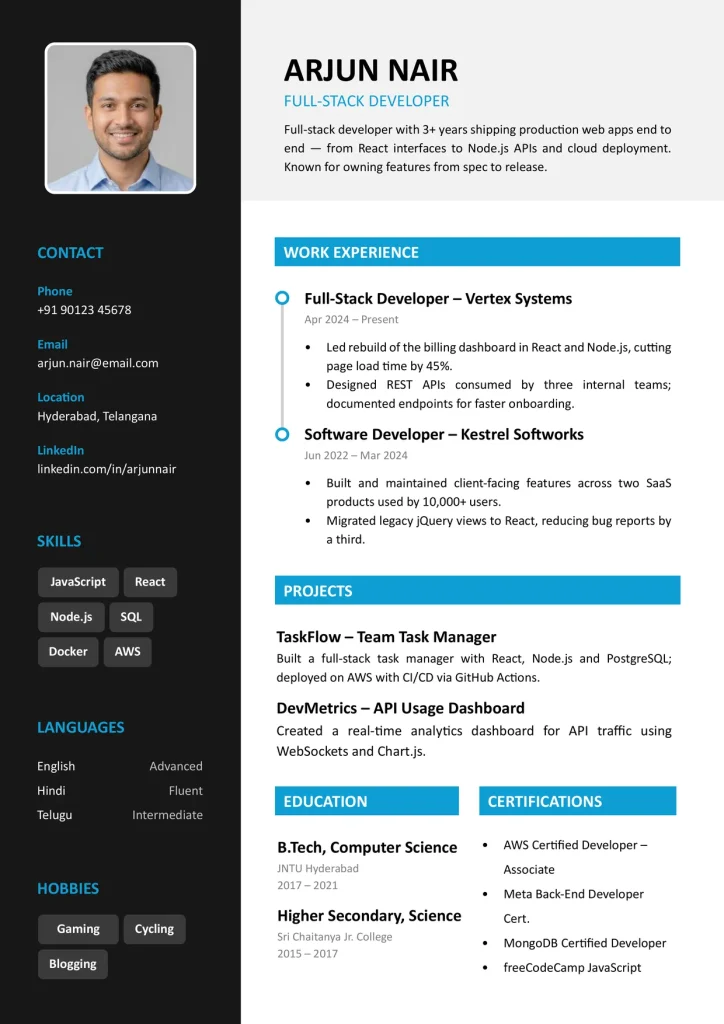
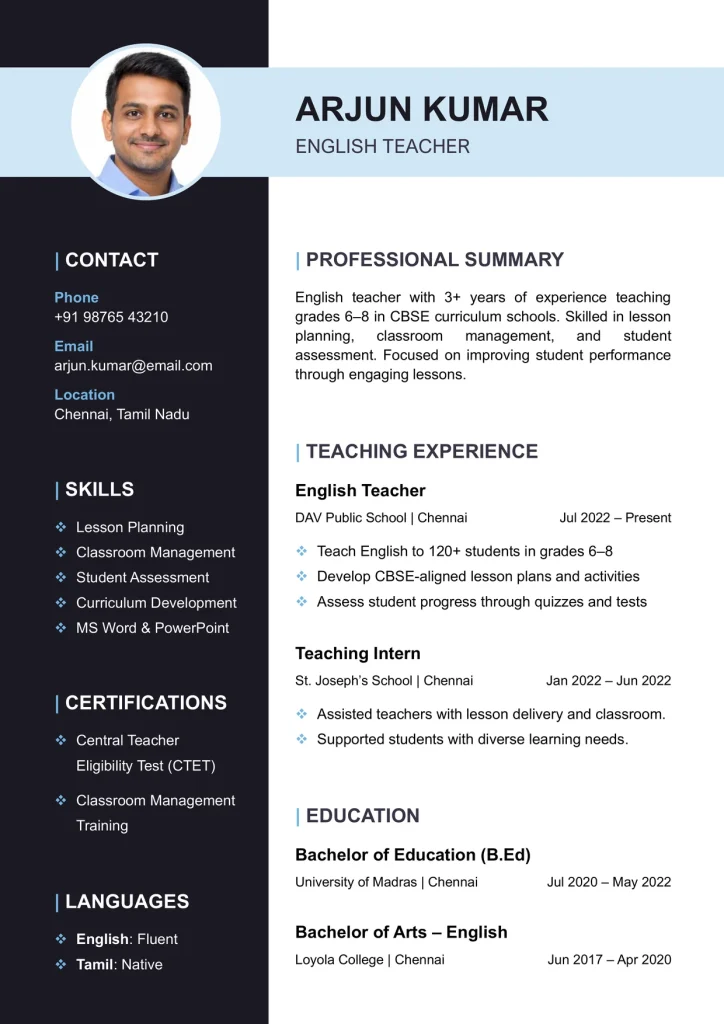
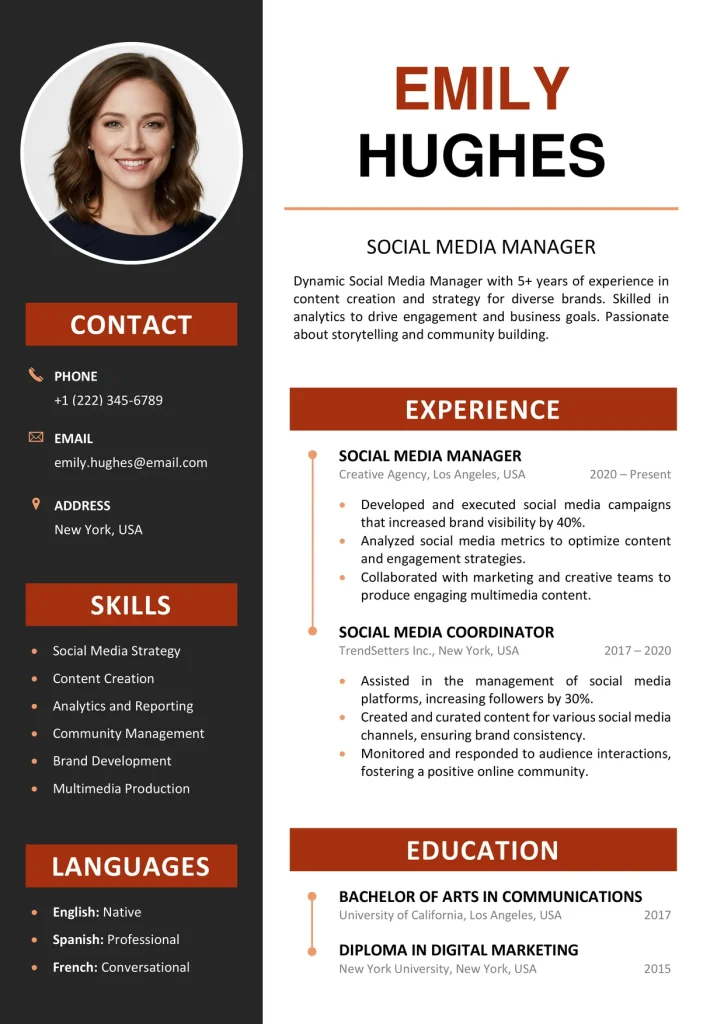
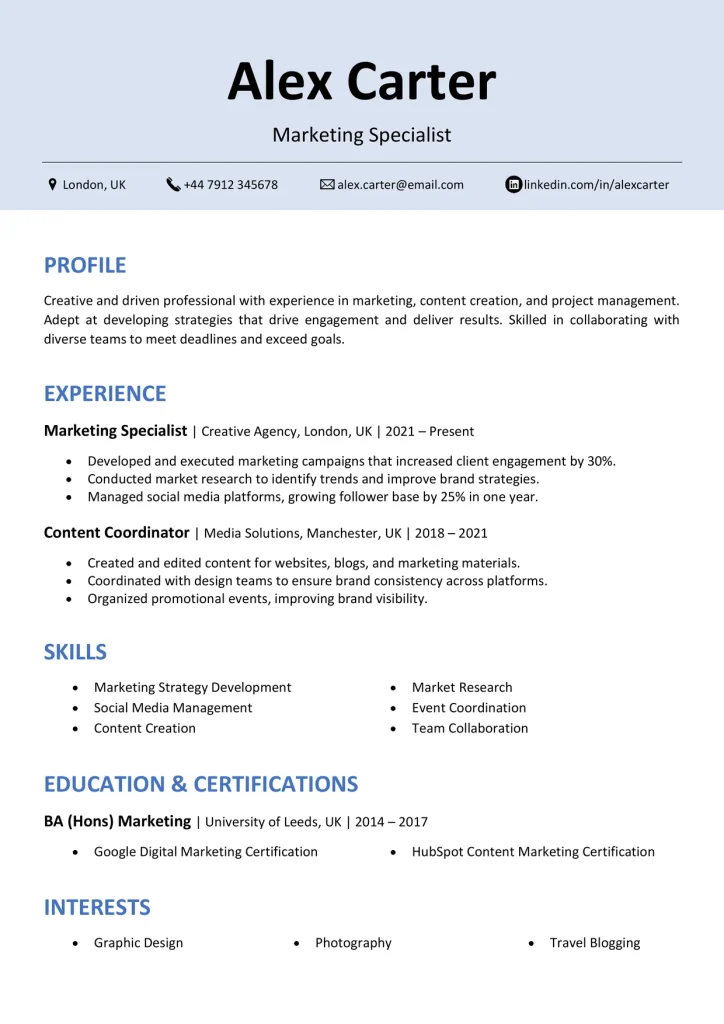
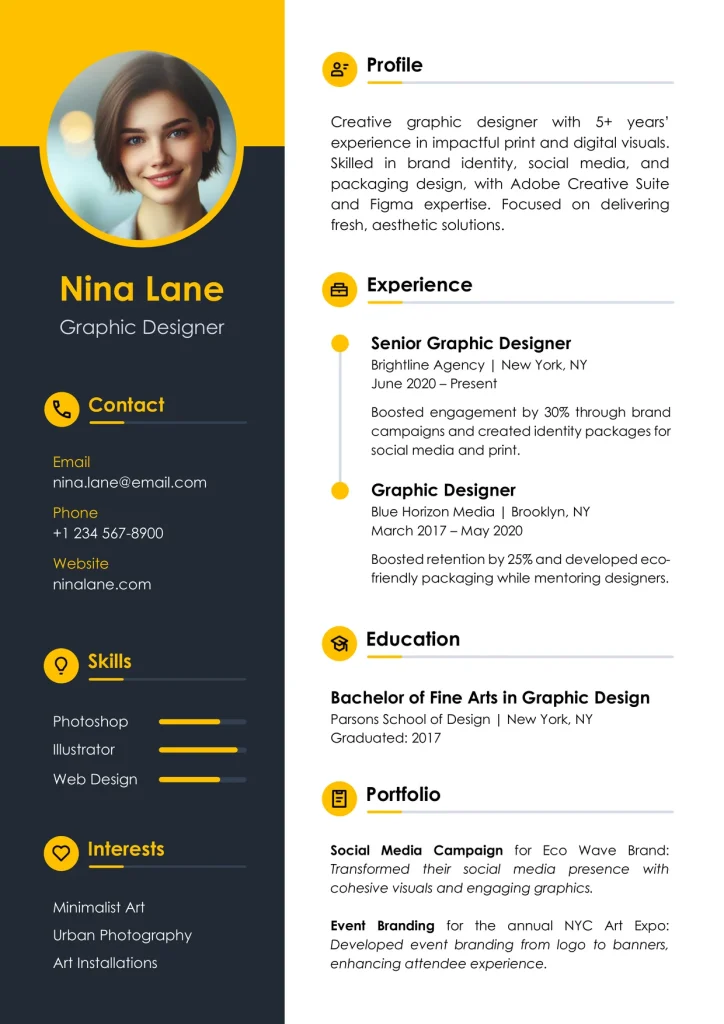
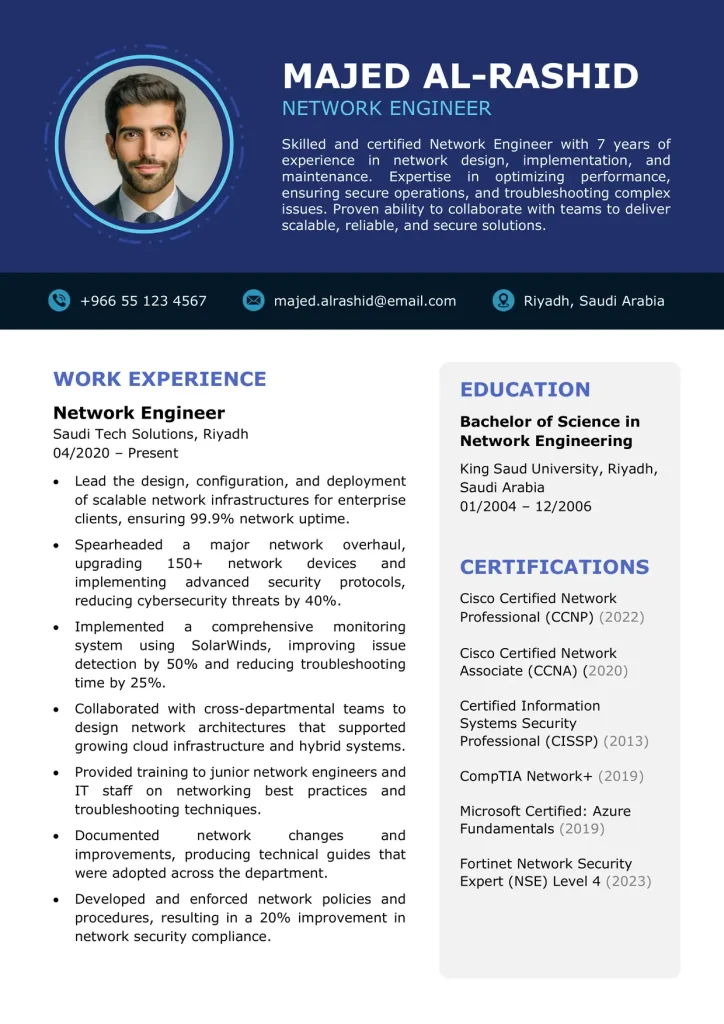
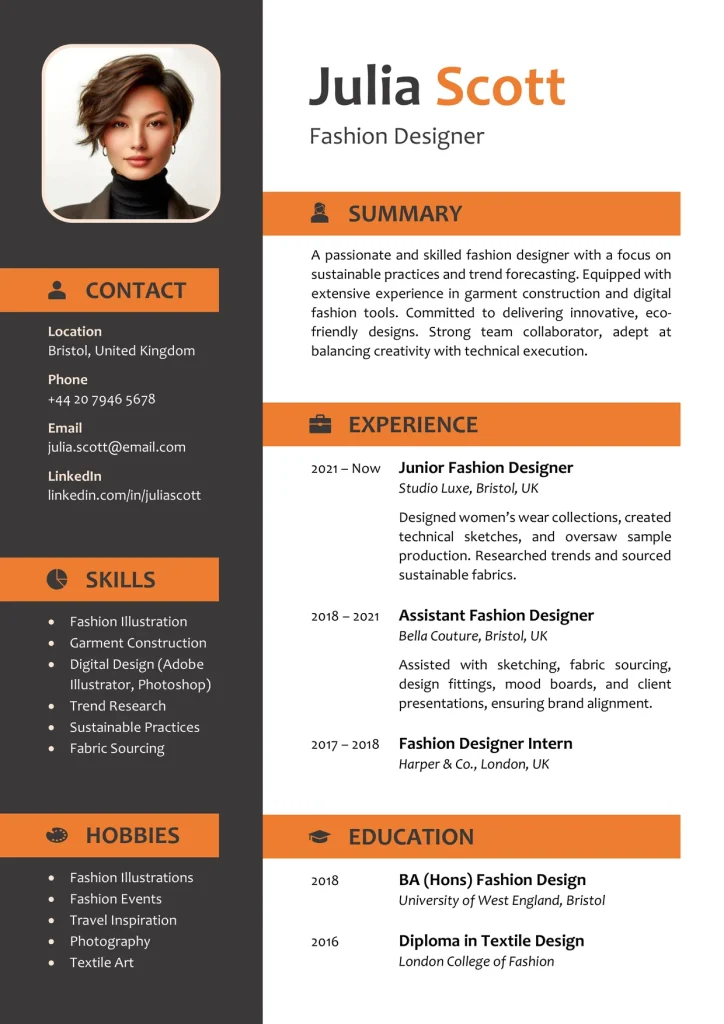
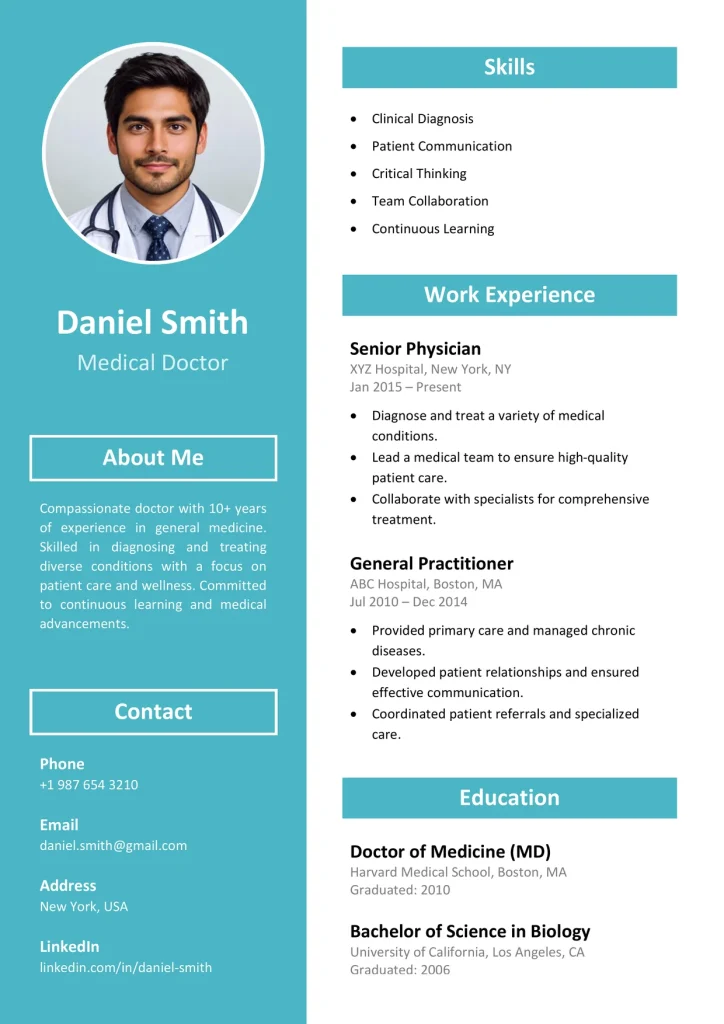
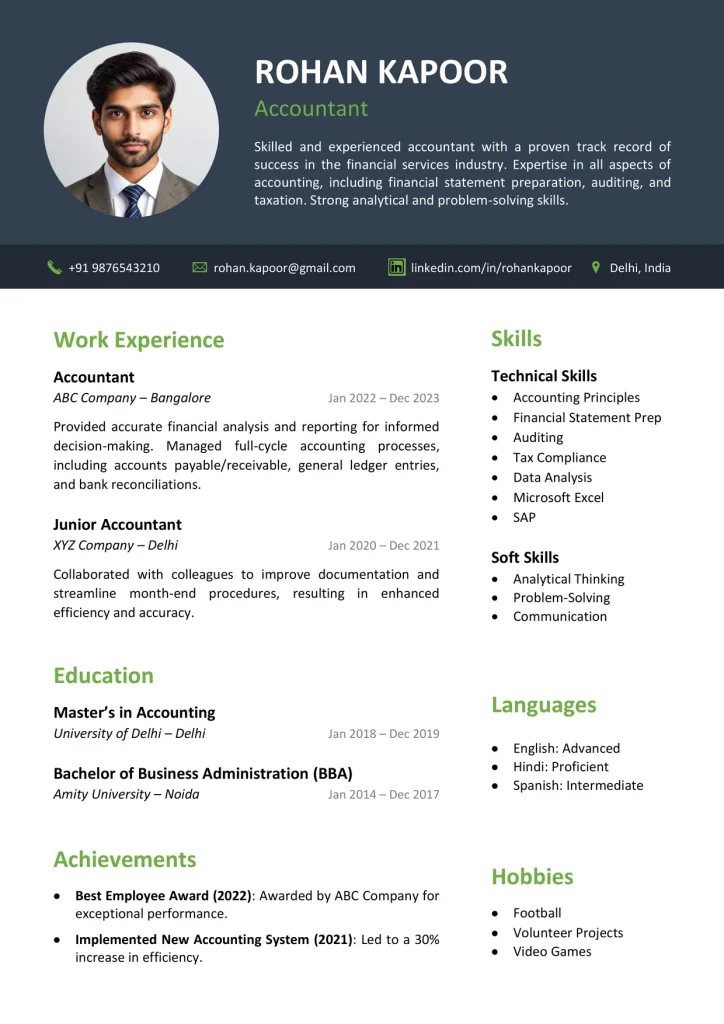
When to Use This Style
Designed to look polished and stand out, yet easy to read.
- Apply to creative, marketing, or design-focused roles
- Send your resume directly to a recruiter or hiring manager
- Want a resume that looks polished and memorable
How to Use Modern Resume Templates
Modern resume templates add color, icons, and sidebar layouts to give your resume or CV a more designed look. This guide explains how to choose a layout, what makes it work, and how to fill one in.How to Choose a Modern Layout
Pick the layout that fits how much you have to show:- Sidebar layout: best when you have many skills, languages, or certifications to highlight.
- Single column with color accents: best for longer work histories, because it gives your experience more room.
- Bold header design: best when you have less content and want a strong first impression.
What Makes a Modern Resume Template Work
A good modern design stays easy to scan:- One or two accent colors, not a rainbow.
- A sidebar for contact details, skills, and languages.
- A clear main column for your profile, experience, and education.
- Consistent spacing, with enough white space between sections.
- Small icons that support the text instead of replacing it.
Fonts and Formatting
Use a clean font such as Calibri or Arial at 10 to 12 pt. Keep headings and job titles bold, and match the accent color across all headings. Check that light text on a dark sidebar is easy to read.What to Avoid
Some design choices make a modern resume harder to read:- Too many colors or decorative graphics.
- Tiny text squeezed in to fit more content.
- Skill bars and ratings with no real meaning.
- Long paragraphs in the sidebar.
- Design that hides thin experience instead of showing it.
How to Write Each Section
The design only works if the content is clear. Keep each section short and specific, especially in the sidebar, where space is tight.- Profile: two to three lines on your role, experience, and goal.
- Experience: in the main column, list jobs from newest to oldest with title, company, and dates. Start each bullet with an action verb and show the result.
- Skills: in the sidebar, six to eight short items that match the job post, not full sentences.
- Contact and Languages: keep each to one line in the sidebar.
- Education: degree, school, and year.
Tailor It to the Job
Read the job post and reuse its key terms where they truthfully match your skills and experience. Pick the template style that fits the industry, and keep the design secondary to the content.Word or PDF?
Follow the instructions in the job post. If it asks for a .docx file, send the .docx. If you are emailing a person, a PDF keeps the sidebar, icons, and colors exactly as designed, even when it is opened on a phone.When to Choose Another Style
If you are applying through an online job portal where software scans your file, an ATS template is the safer choice. For conservative or corporate roles, a Professional template may fit better.How to Edit in Word
Open the .docx file, replace the sample text with your details, and keep the section styles as they are. To change the photo, right-click it and choose Change Picture. To change the accent color, select the colored shape and pick a new Shape Fill. Delete any section you don’t need instead of changing its layout. Save a copy for each job you apply to. Prefer a visual guide? Watch how to make a modern resume in Word.Table of Contents
Frequently Asked Questions
What is a modern resume template?
A resume design that uses color, icons, or a sidebar for a more designed look, while keeping each section clear and easy to read.
Are modern resume templates ATS-friendly?
Not always. Sidebars, icons, and columns can confuse some applicant tracking systems (ATS). For online job portals, use an ATS template. For sending your resume to a person, a modern one works well.
Can I change the colors in Word?
Yes. Go to the Design tab, click Colors, and pick a color set. The accent colors update together, so they stay in harmony. Use Customize Colors for your own shade. If an element doesn’t change, select it and change its fill or font color by hand.
Can recruiters tell I used a template?
Software doesn’t mind as long as it can read your text. A recruiter may recognize a stock look, so change the accent color and write your own content.
Should I put a photo on a modern resume?
Usually not in the US, UK, or Canada. Photos are common in parts of Europe, Asia, and India. If the employer or your region expects one, include it. Otherwise choose a no-photo style or remove it.
Can I edit these templates in Google Docs or on my phone?
You can open them, but sidebars, icons, and shapes often shift, so the layout may not display properly. For the best result, edit in Word on a computer.
Can I use these modern templates as a CV?
Yes. The layouts work for both resumes and CVs. Keep the standard headings and add any sections your region expects, such as a personal profile.