About This Template
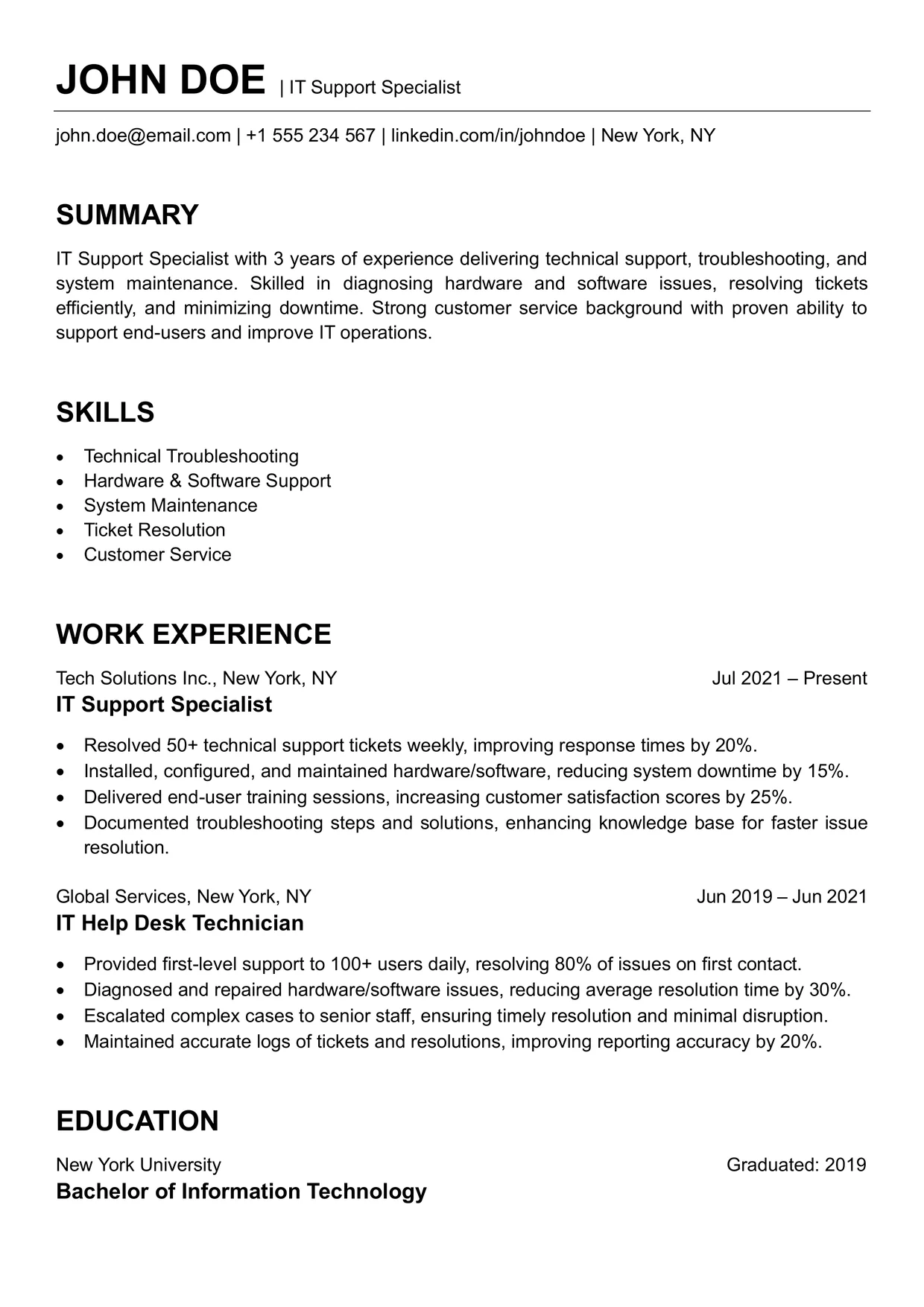
This free easy resume format is a plain black-and-white page that puts your content first.
It has a name-and-title header, one contact line and four clear sections, and nothing else.
It suits anyone who wants a basic resume format that looks tidy without any design decisions.
Who Should Use This Easy Resume Format
A basic layout works because recruiters scan before they read. With no colors, icons or columns competing for attention, the eye goes straight to your roles and results. It is also a safe choice for online application forms, where fancy formatting can break.
It is a good starting point for first applications, a return after a career break, or anyone sending many tailored versions. If you were searching for an easy resume template or an easy CV template, this one-page layout fits both.
The title beside your name works like a headline, so change it to match each job you apply for.
Sample Profile Lines
Keep each line to one sentence so the summary stays quick to read in this easy resume format.
- Entry-level: [Role] graduate with [number] months of [internship or project] experience in [skill], seeking a [role type] position.
- Experienced: [Role] with [number] years of [specialty] experience, known for [strength] and steady [outcome].
- Senior: [Senior role] who manages [scope] and mentors [team size] colleagues, with a record in [area].
Looking for similar layouts? Browse our ATS resume templates.
Watch: How to Customize This Template
Follow along to build this easy resume format in Microsoft Word, then see how ChatGPT prompts can help you write the summary, skills and work experience.
AI Prompts from This Video
Copy a prompt into any AI chatbot, like ChatGPT or Claude, then replace the [brackets] with your own details.
Summary
Write a 3-sentence, ATS-friendly summary for a “[Your Job Title]” with [X years] of experience. Highlight key strengths like [e.g., troubleshooting, teamwork, or leadership].
Skills
List 5 top skills for a “[Your Job Title]” resume — short, ATS-friendly, simple list format.
Work Experience
Write 4 one-line bullet points per job for: 1. [Job Title 1] 2. [Job Title 2]. Focus on results and measurable achievements. (e.g., tickets resolved, downtime reduced, system upgrades, etc.)